How PEQY works
PEQY reviews every AL pull request: it resolves Business Central symbols, verifies its findings against the AL compiler, and only speaks when it can back up what it says. The review sees the whole repository and its symbols as context, reviewing the change against them instead of the diff alone.
Submit your PR in Git
Open a pull request on GitHub, GitLab or Azure DevOps. PEQY picks it up automatically. No change to your process. When a work item or issue is linked, PEQY reads it and flags changes that do not match the requirements.
Invisible checks
PEQY doesn't get in your way. We only notify you when it's important.
Suggestion
Posting date not validated before ledger entry
The new PostBatch procedure inserts G/L entries without validating "Posting Date" against the allowed posting range. A batch dated into a closed period posts...
 Suggested fix
Validate "Posting Date" against the allowed posting range from General Ledger Setup (Allow Posting From/To) before inserting, and fail with a clear error message when the date falls outside it, mirroring the standard GenJnlCheckLine behavior.
PEQY is great from day one, and grounded in your standards.
Built on the Business Central symbol model and a research-led review taxonomy, extended with custom rules for your team's standards.
Our Research
Our research database informs how PEQY is built and evaluated: quantitative and qualitative research led by devs, not LLMs.

Your standards
Custom review rules per repository put your team's conventions right next to PEQY's built-in AL review; you decide what gets enforced.
Built into your pull request workflow.
PEQY automatically runs on every pull request and surfaces results directly in GitHub, GitLab and Azure DevOps, including on-premises Azure DevOps Server.
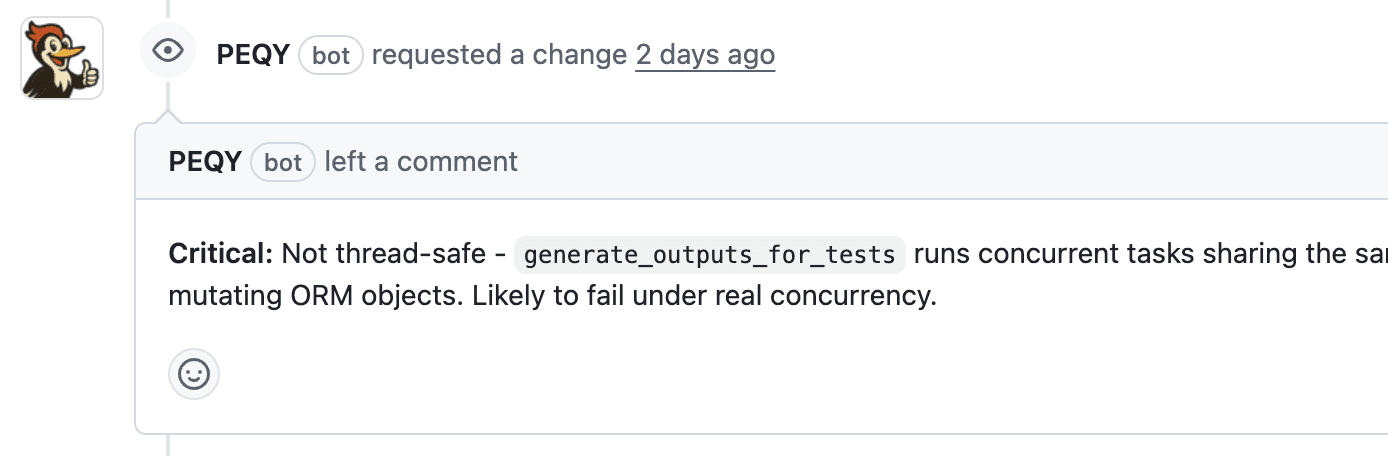
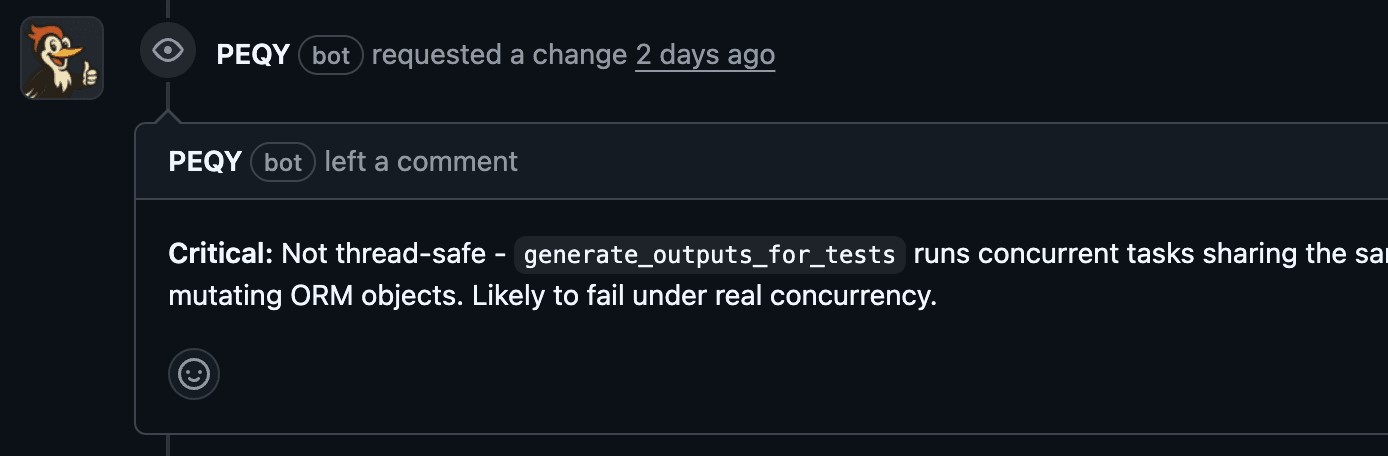
Catches critical bugs before they ship
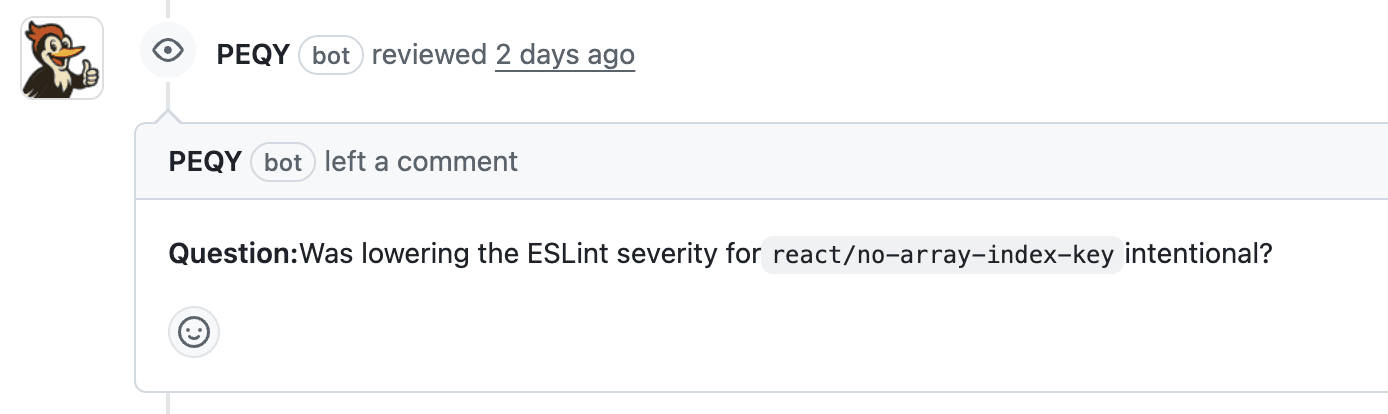
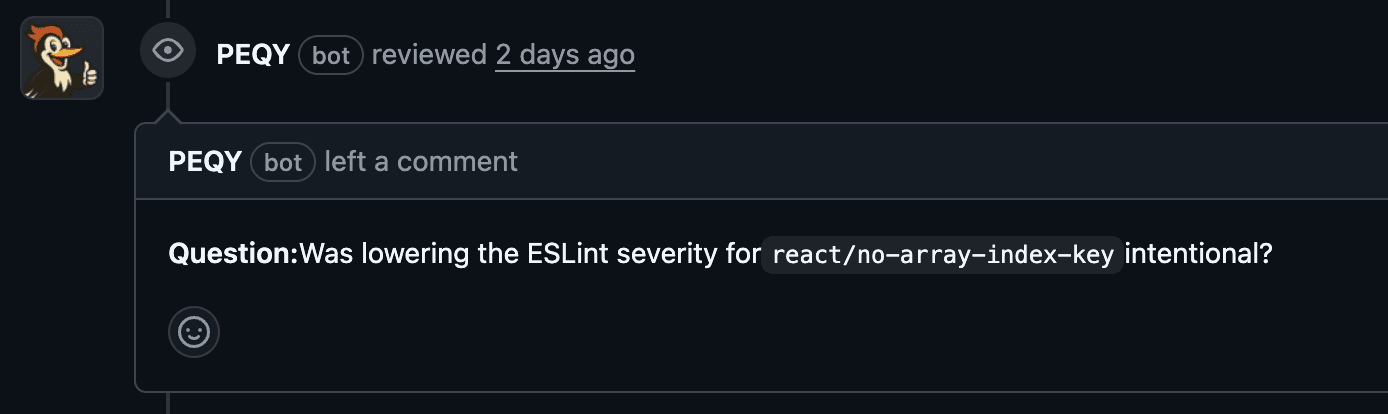
Asks smart questions on suspicious changes
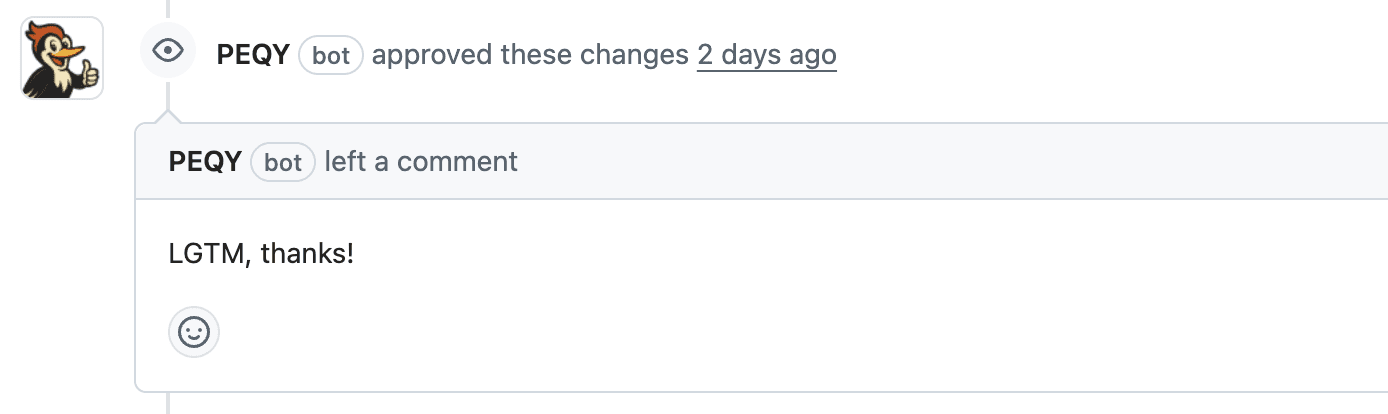
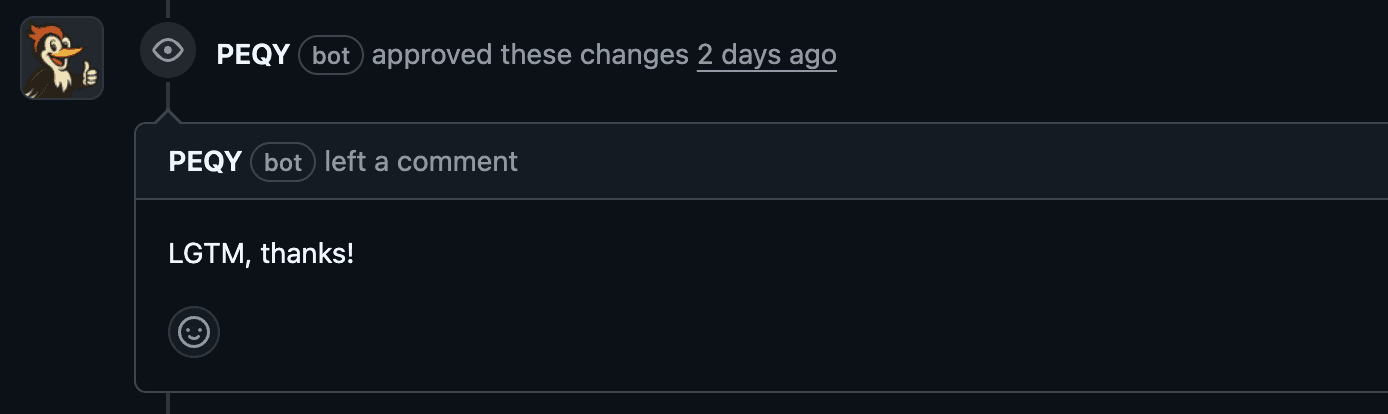
Approves and gets out of the way when all looks good
Get started in minutes in three steps.
Start using PEQY now and catch serious bugs before they ship
Connect
Connect PEQY to GitHub, GitLab or Azure DevOps in a couple of clicks.
Pull Request
Open a PR and PEQY automatically analyzes your commit.
Merge
Review PEQY's suggestions and merge with confidence.